instructBrain
Photos in. Client-ready reports out.
Walk the site. Issue the same afternoon.
Point, shoot, done. instructBrain turns your site photos into a referenced construction report — with the proof and the dates regulators ask for.
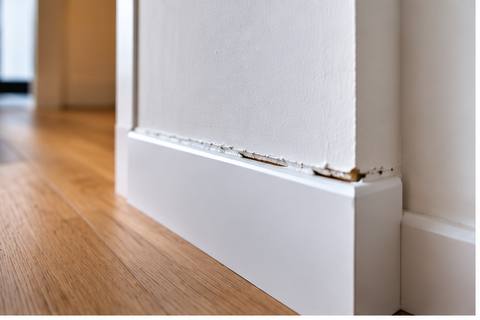
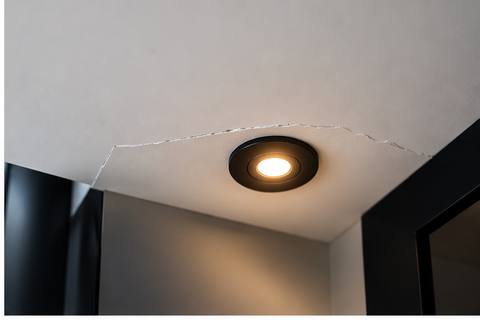
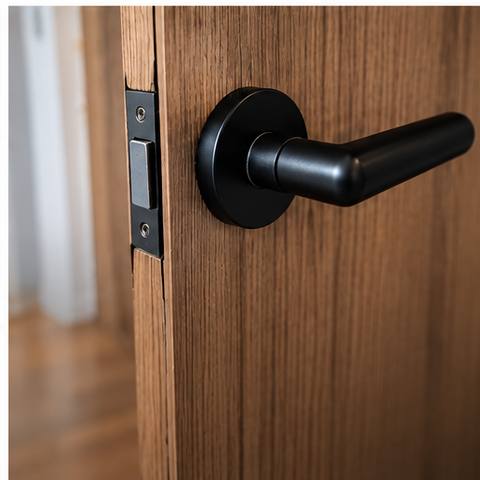

Free for your first 3 reports. No card required.
AI drafts the findings. You confirm and issue.Full-resolution image analysis. Structured output. Human sign-off.Per-trade extracts, close-out tracking and shared links — in English or issued in another language.When it can't tell, it says so. No guesswork becomes a pass.
Photos in, report out
Photos uploadedFull-resolution originals kept
- Site photograph 1
- Site photograph 2
 Site photograph 3
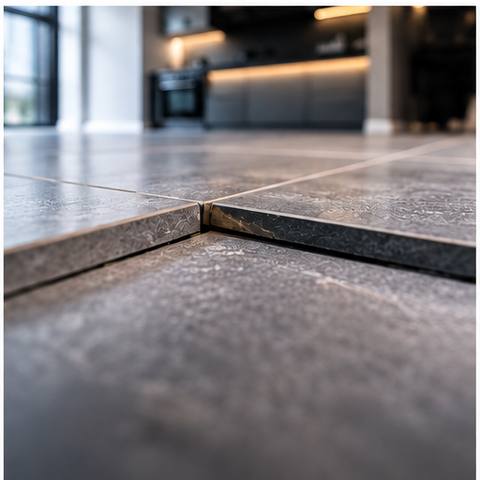 Site photograph 4
- Site photograph 5
- F-001Sealant failure to parapet upstandFail
- F-002Ponding to flat roof outletWarn
- F-003Obscured — light too poor to judgeNot assessed
- F-004Cavity tray correctly lappedPass
The weekly register
Six checks, every week
Weekly compliance register
- 1. FireAwaiting
- 2. ExcavationAwaiting
- 3. ScaffoldAwaiting
- 4. WelfareAwaiting
- 5. Lifting and plantAwaiting
- 6. HousekeepingAwaiting
One non-compliant check raises an action with an owner and a due date. The run locks when it is completed, and the last six weeks stay side by side.
What it gives you back
The write-up gap, in numbers.
The write-up is the expensive part of a survey, a snagging list or a compliance register, and it happens after hours. This is what it costs you now, and what it costs with instructBrain.
Assumes roughly one hour of write-up per 8 photographs by hand, and 4 minutes per survey with instructBrain. Change the numbers to your own.
per survey, writing up at a desk
per survey, photos in to issued report
- Hours saved per month
- 37
- Days handed back per year
- 56
- Saved per year
- £16,815
Where it earns its keep
Built for what you actually do on site
Custom Reports
One-off inspections, specialist audits, batch photo reviews — issued from a template, not a blank page.
Project Reports
Site walks, snagging, weatherproofing — referenced findings, suggested trades, per-trade extracts.
Weekly Compliance Registers
Six checks, prepopulated, locked when complete, six-week history at a glance.
Issue in another language
Issue the PDF and shared links in the client's language while English stays the record copy.
From the field
Real sites. Real photos. Real proof.
“Honestly, I used to dread the monthly condition and weatherproofing reports — they’d take me 2 or 3 days, and they have to be bang on, because they go to the client team and the insurers. With instructBrain, I snap the photos, review the AI findings, and issue. That’s literally it. A client-ready report in minutes.”
“Week 3 flagged a point missing two extinguishers. Week 4, replaced — photographed, dated, done.”
“The AI never guesses. If it can't tell, it says so — and the report blocks until a human looks.”
“One walk, four reports, issued before lunch. That's the whole pitch.”
How it works
Three steps, start to issued
- Step 1
Upload photos
Straight off the phone or the camera. HEIC and JPEG, capture time and location kept intact. Full-resolution originals go to the AI; thumbnails and display copies are handled separately.
- Step 2
AI drafts findings
Every photograph is read against the report template with structured output, confidence scoring and trade suggestions. When it is uncertain — bad light, awkward angle — it routes to Not assessed, never to a passing status.
- Step 3
Review and issue
Confirm or correct on the keyboard. Then issue a PDF with a contents page, per-trade extracts, close-out tracking where required, and a share link in the issue language.
What the AI actually does
In plain English
You photograph the site as you always have. instructBrain looks at every photo, describes what it sees in the language you'd use, decides how serious it is, and says what to do about it. It only describes conditions and hazards — never people.
When it can't tell — bad light, awkward angle — it says so rather than guessing. You review, correct anything wrong, and issue.
Trade attribution
Suggested trades are suggestions, not assertions. A human confirms every assignment before anything is distributed.
Confidential findings
Findings involving people are restricted to supervisors and above, and excluded from every subcontractor distribution at the database level.
Pricing
Priced in reports, not tokens
A report is one job, from upload to issued PDF — whether it is a Custom Report, a Project Report or a Weekly Compliance Register. Go over your photo allowance and you can buy overage per photo — no tier jump required.
Free
£0
3 reports across Custom Reports, Project Reports and Compliance Registers. Up to 30 photos each.
- No card required
- Every report template
- Issued PDF and share link
Standard
Most popular£49/month
10 reports a month, roughly 500 photos.
- Per-trade extracts
- Close-out tracking
- Overage available per photo
Practice
£99/month
30 reports a month, roughly 1,500 photos.
- Everything in Standard
- Multiple surveyors
- Organisation branding
Custom
Talk to us
Teams and enterprise.
- Volume pricing
- Bespoke report templates
- Onboarding support
Billing is coming shortly. The free tier works today — create an account and issue your first three reports now.
Your next report can be off your desk before the drive home.
Three reports free. No card required. Custom Reports, Project Reports and Compliance Registers — bring the photographs you already have.
Already have an account? Sign in